
 MacOS App软件推荐
# 0. 包管理
# Homebrew

Mac OS X 下的包管理工具(推荐)
# 介绍
Homebrew 是 macOS 上最流行的包管理器,允许用户轻松安装、更新和管理各种软件包和工具。它通过命令行界面工作,使得安装和维护软件变得简单高效。
# 安装
/bin/bash -c "$(curl -fsSL https://raw.githubusercontent.com/Homebrew/install/HEAD/install.sh)"
# macports

Mac OS X 下的包管理工具
# 介绍
MacPorts 是另一个流行的 macOS 包管理器,提供了大量开源软件包的安装和管理功能。它通过命令行界面工作,类似于 Homebrew,但在某些方面有所不同。
# 安装前置环境
# 安装 Xcode Command Line Tools
xcode-select --install
# 确认安装成功
xcode-select -p
2
3
4
# 安装
MacPorts 下载页面 (opens new window)
# 配置环境变量
# bash shell
# Intel Mac
export PATH=/opt/local/bin:/opt/local/sbin:$PATH
# Apple Silicon (M1/M2)
export PATH=/opt/homebrew/bin:/opt/local/bin:/opt/local/sbin:$PATH
2
3
4
# fish shell
# Intel Mac
set -gx PATH /opt/local/bin /opt/local/sbin $PATH

# Apple Silicon (M1/M2)
set -gx PATH /opt/homebrew/bin /opt/local/bin /opt/local/sbin $PATH
2
3
4
5
# A. 软件管理类
# applite
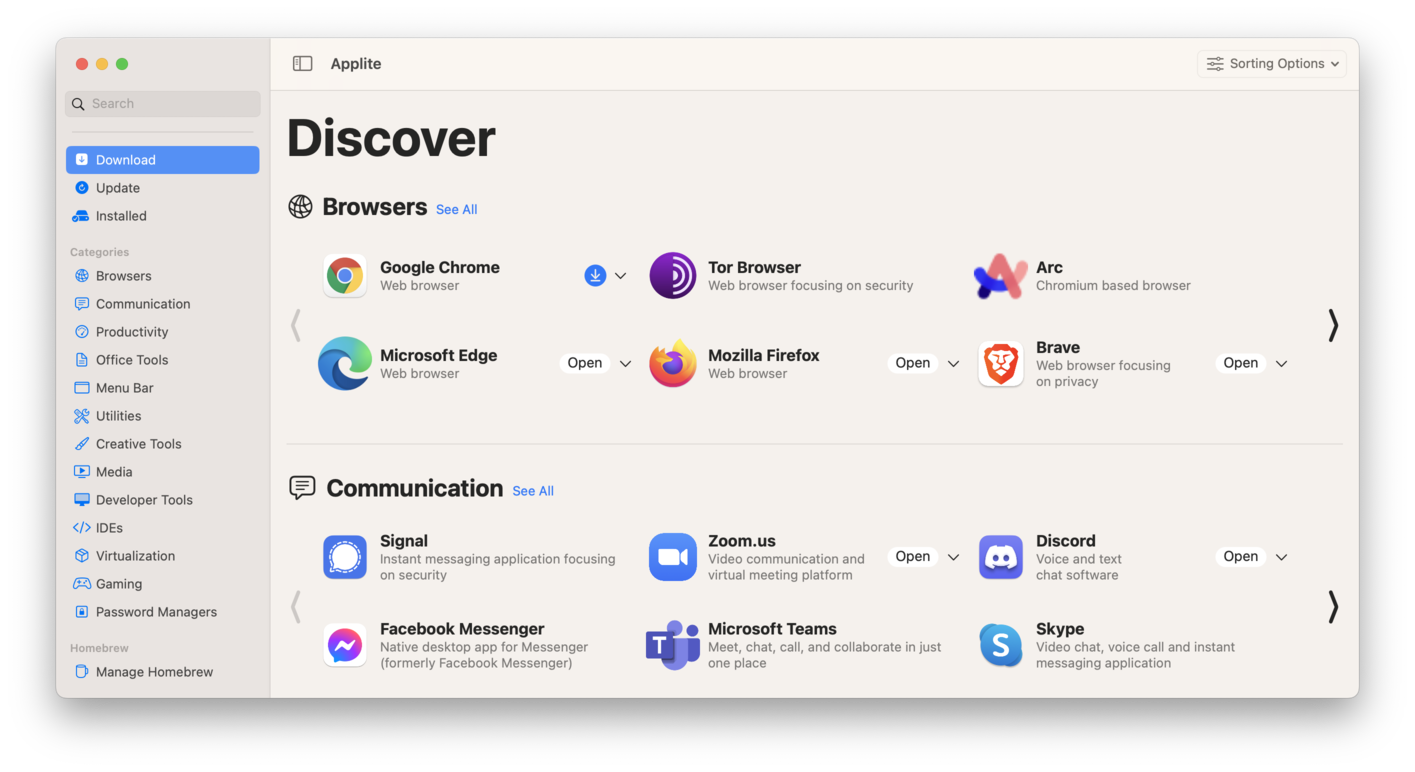
第三方HomebrewGUI安装工具 User-friendly GUI macOS application for Homebrew Casks
Applite is a free and open-source macOS application that streamlines the installation and management of third-party apps using Homebrew. The app is built using Swift and SwiftUI.
Applite aims to be more of an app store for third-party apps than a full-blown homebrew GUI wrapper. The main goal of the application is to bring the convenience of Homebrew casks to the non-technical user. So the UI was designed with simplicity and ease of use in mind.
# 安装
brew install applite
# App Cleaner & Uninstaller
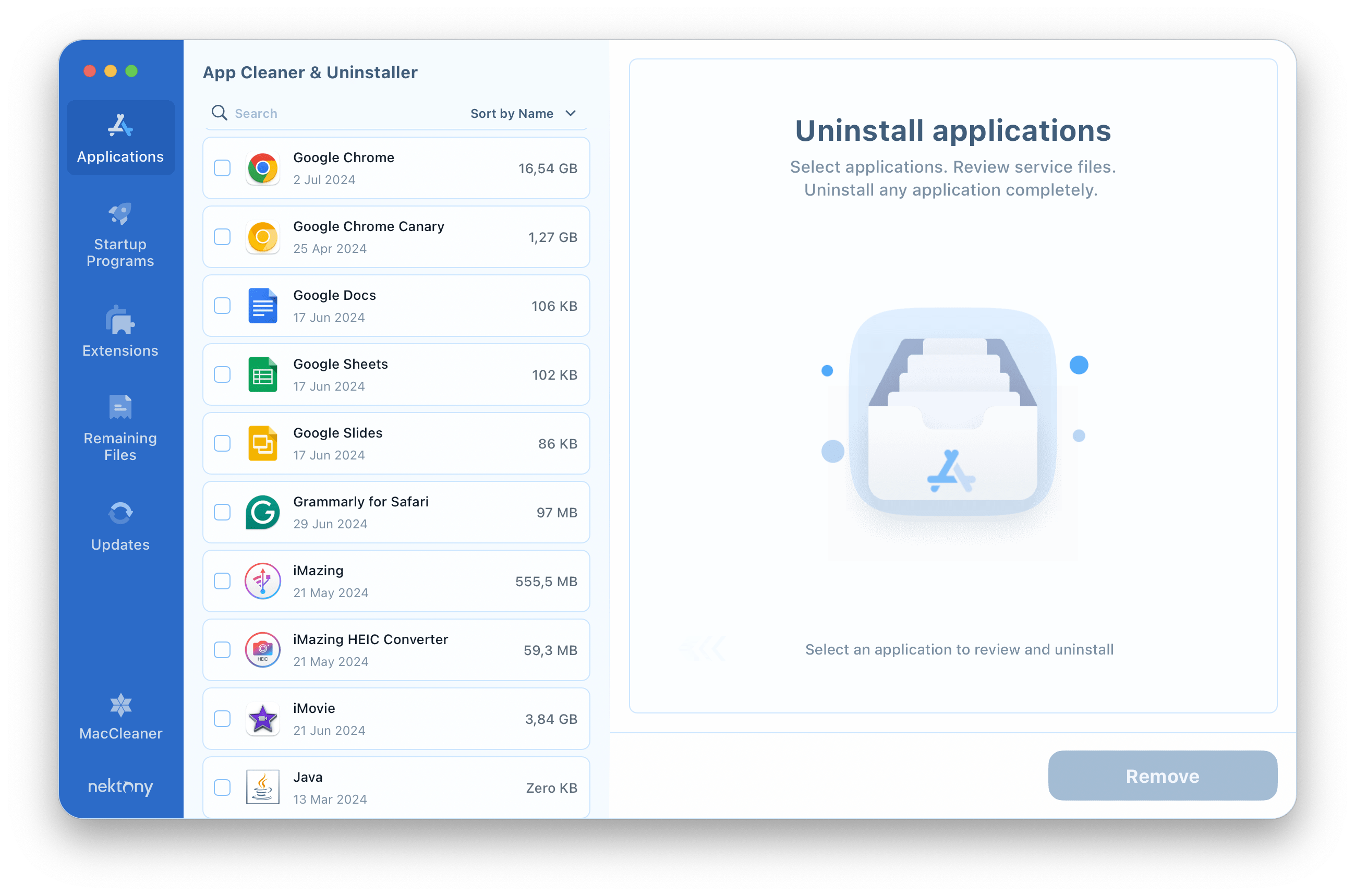
App cleaner remover that will help you uninstall apps on your Mac entirely and remove every single trace of them.
# 安装
使用applite安装
# Mist
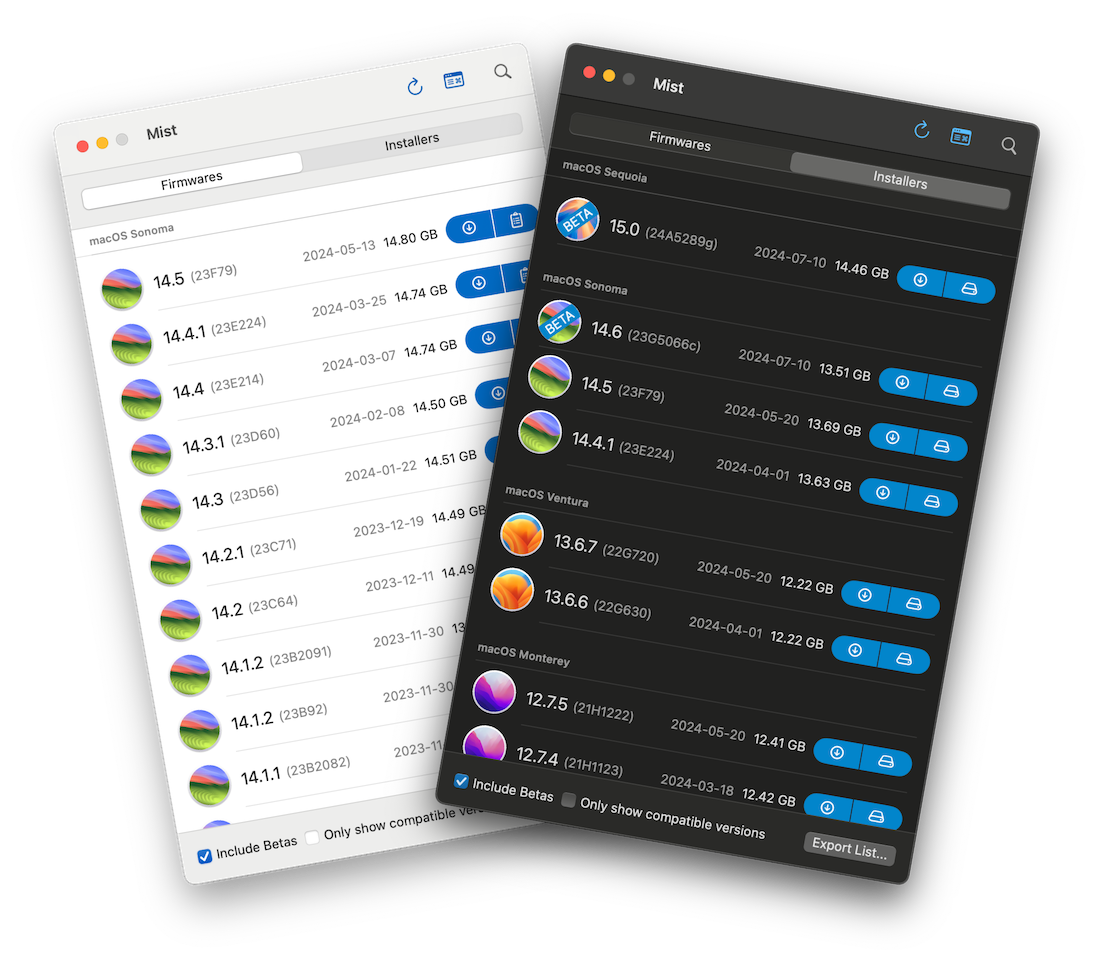
Mac OS系统镜像管理工具 A Mac utility that automatically downloads macOS Firmwares / Installers:
# 安装
brew install --cask mist
# Xcodes.app
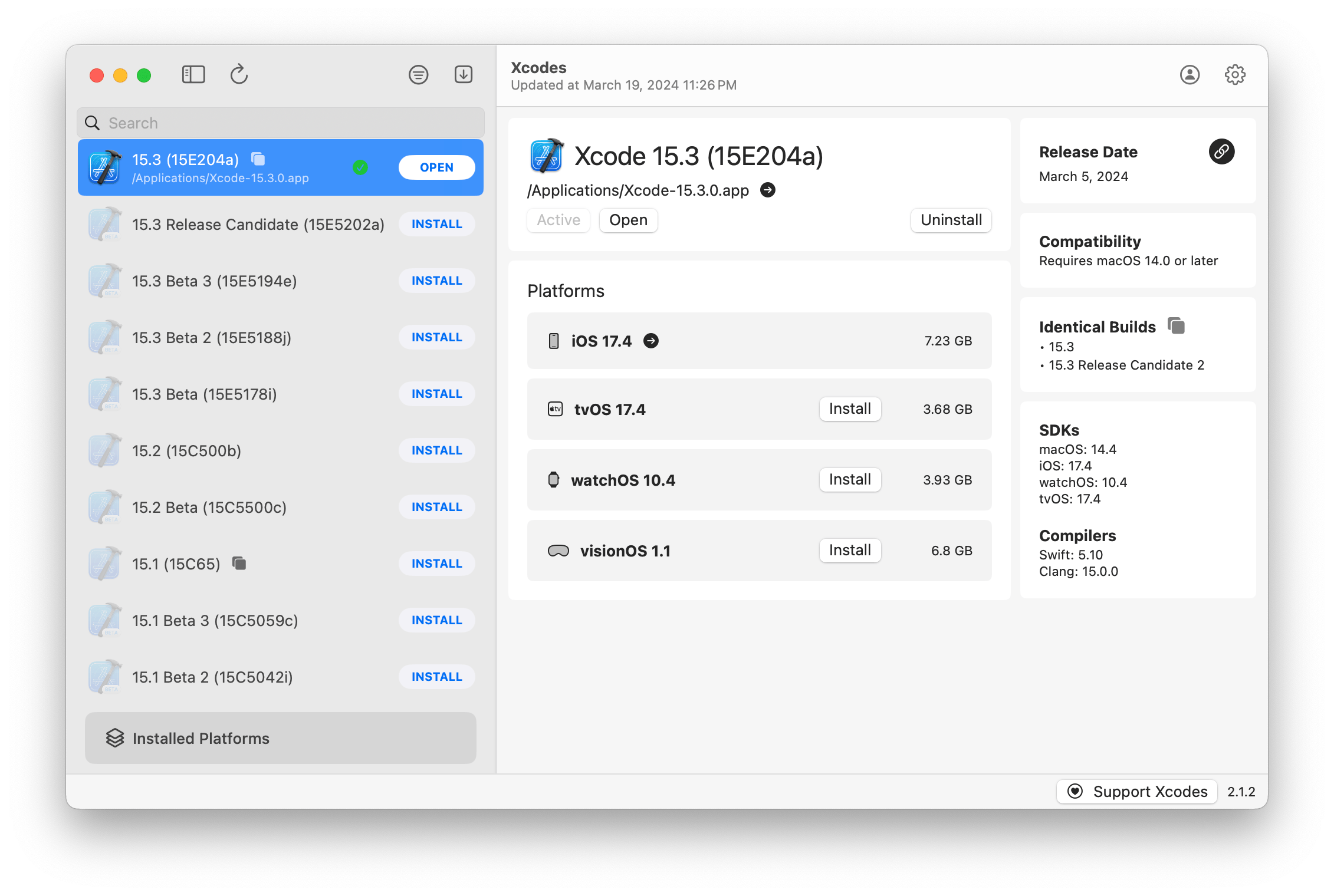
Xcode多版本管理工具 The easiest way to install and switch between multiple versions of Xcode.
# 安装
brew install --cask xcodes
# B. 终端类
# fish
用户友好的命令行shell
# 安装
brew install fish
# 插件
# fisher
插件管理工具
curl -sL https://git.io/fisher | source && fisher install jorgebucaran/fisher
# oh-my-fish
fish配置管理工具
curl https://raw.githubusercontent.com/oh-my-fish/oh-my-fish/master/bin/install | fish
# fisher插件推荐
- jethrokuan/z (目录跳转)
- jorgebucaran/nvm.fish (Node版本管理)
- PatrickF1/fzf.fish (fzf集成)
# z
fisher install jethrokuan/z
# nvm
fisher install jorgebucaran/nvm.fish
# fzf
fisher install PatrickF1/fzf.fish
2
3
4
5
6
# mactop
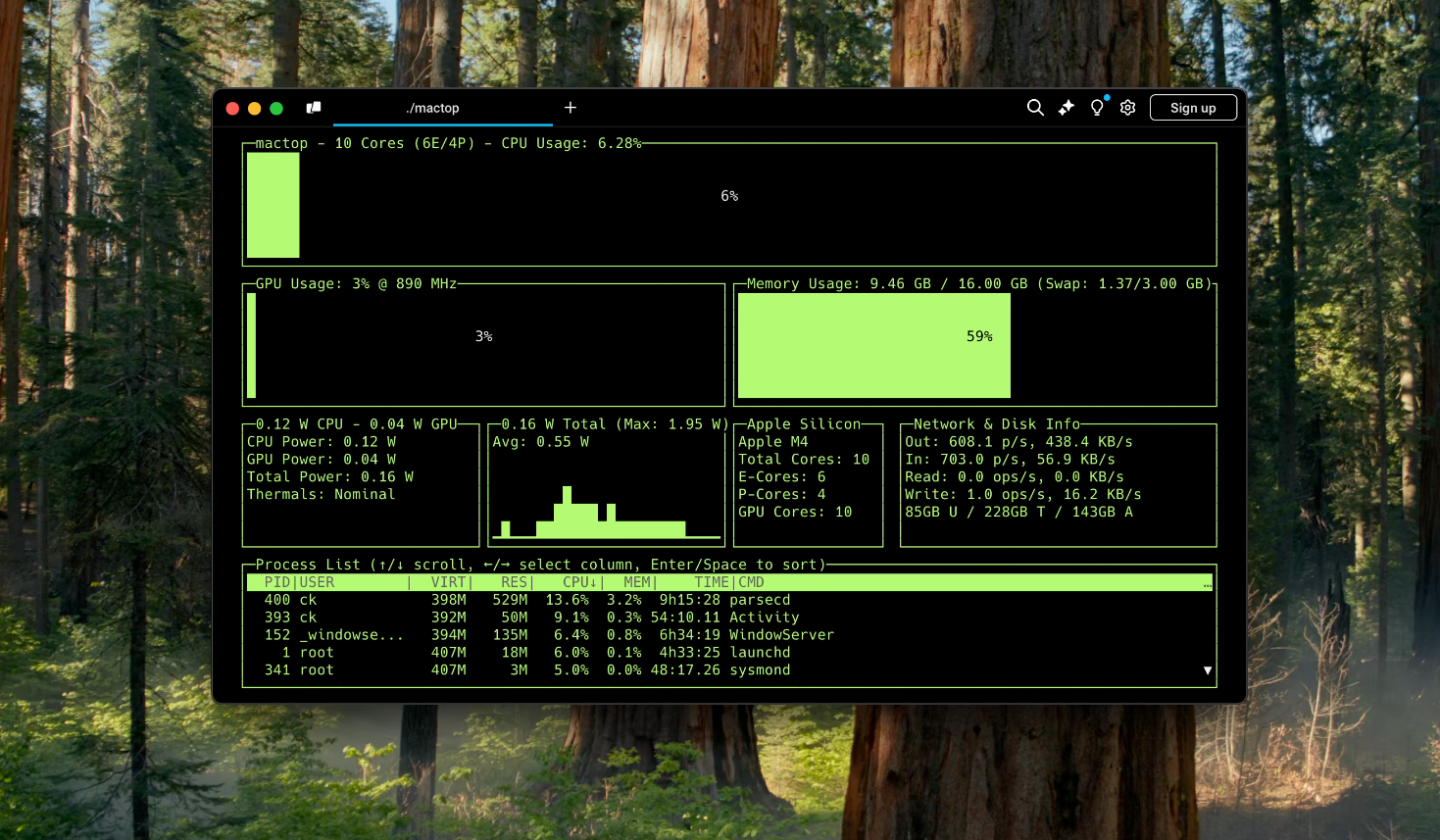
Mac OS 系统下的 top 命令 mactop is a terminal-based monitoring tool "top" designed to display real-time metrics for Apple Silicon chips written by Carsen Klock. It provides a simple and efficient way to monitor CPU and GPU usage, E-Cores and P-Cores, power consumption, and other system metrics directly from your terminal!
# 安装
brew install mactop
# trash
CLI tool that moves files or folder to the trash
# 安装
brew install trash
# fzf
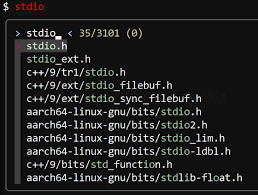
fzf is a general-purpose command-line fuzzy finder.
# 安装
brew install fzf
# atuin

Making your shell magical, Sync, search and backup shell history with Atuin
# 安装
brew install atuin
# 配置
# 登陆账号
atuin login
# 集成fish
vim  ~/.config/fish/config.fish
# 添加
atuin init fish | source
2
3
# thefuck
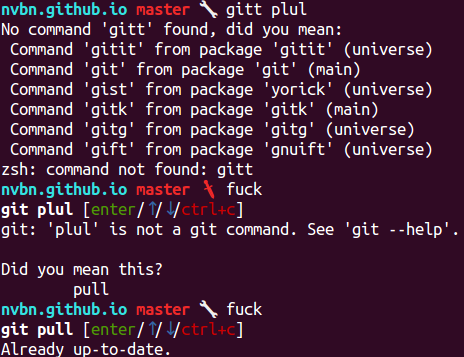
自动修复命令拼写错误
# 安装
brew install thefuck
# 配置
echo "thefuck --alias | source" >> ~/.config/fish/config.fish
# tablew

CLI tool for making tables in the terminal
# 安装
brew install tablew
# 使用
tw *.csv
# mole
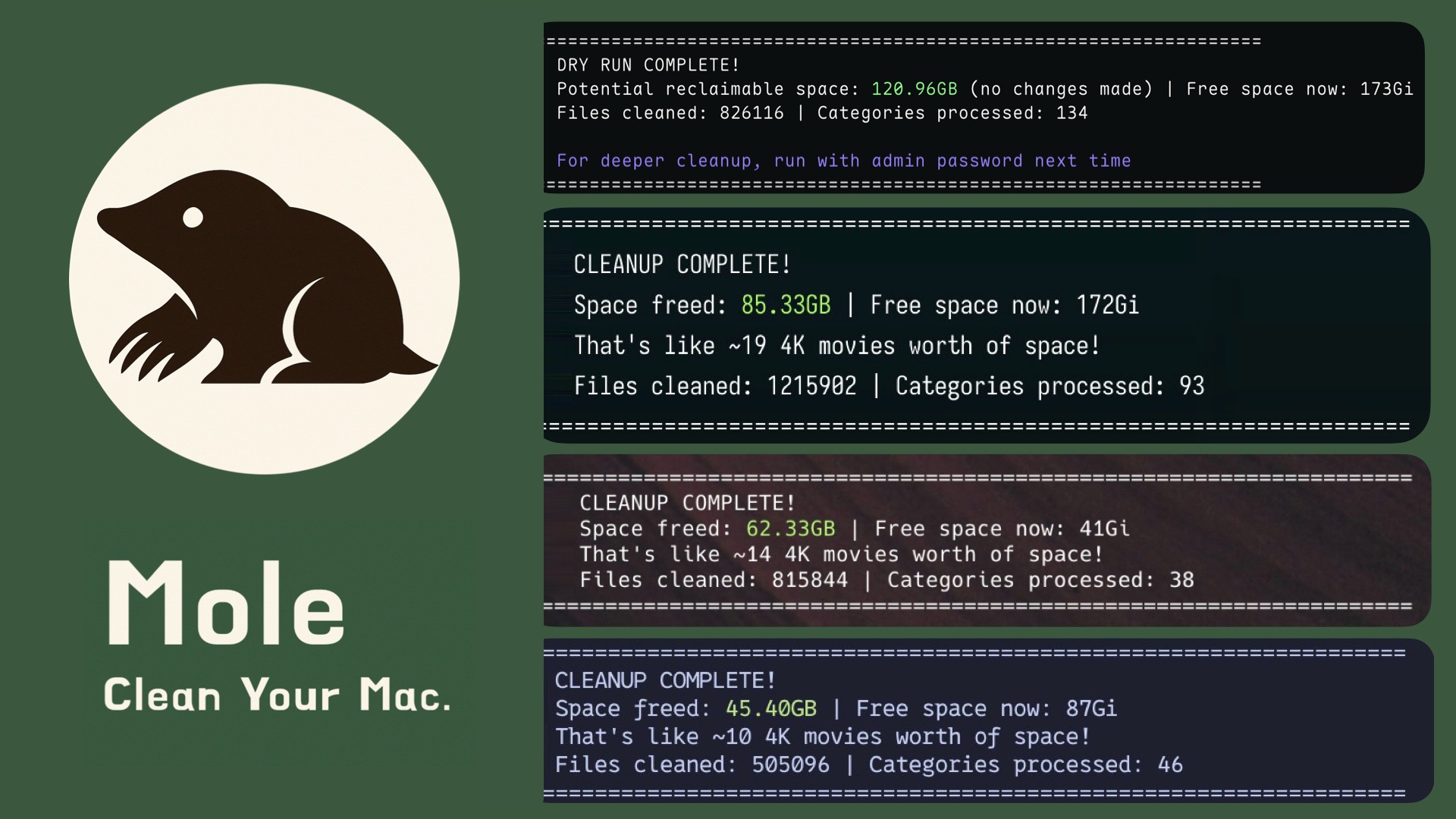
Dig deep like a mole to clean your Mac.
# 安装
brew install tw93/tap/mole
# C. 便捷类
# shortcutdetective
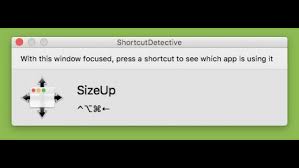
检测全局快捷键被什么软件占用 detects which app receives a keyboard shortcut.
# 安装
brew install --cask shortcutdetective
# syntax-highlight
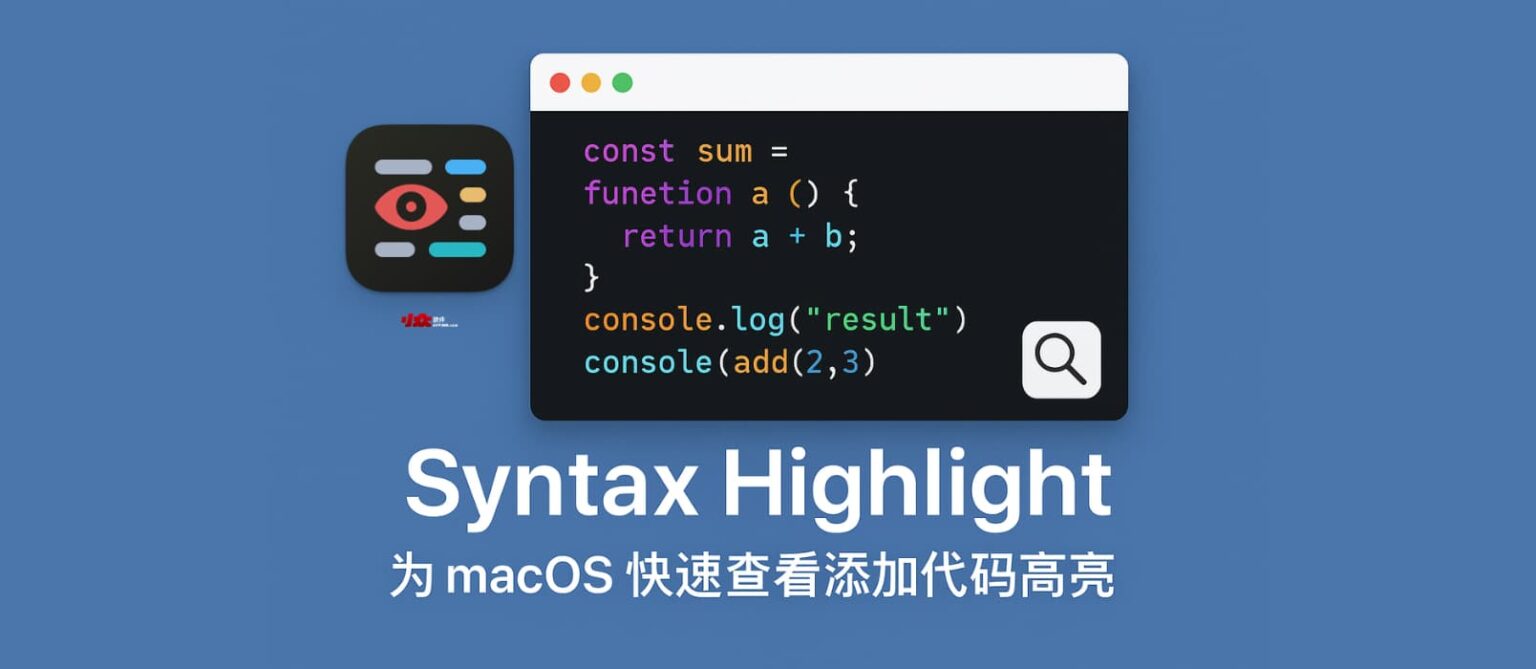
Syntax Highlight 是一款为 macOS 的经典功能快速查看(QuickLook)添加代码高亮的系统扩展。安装后将为快速查看新增 157 种文件类型。
# 安装
brew install --no-quarantine syntax-highlight
# TrackWeight

触控板称重APP
# 安装
brew install --cask krishkrosh/apps/trackweight --force
# yabai
MacOS 窗口 tilling 管理工具
# 安装
brew install koekeishiya/formulae/yabai
# skhd
MacOS 键盘快捷键管理工具
# 安装
brew install koekeishiya/formulae/skhd
# D. 开发类
# Python
# pyenv

Python版本管理工具
brew install pyenv pyenv-virtualenv
# pipx

Python应用隔离安装工具
brew install pipx
# pipx环境变量设置
pipx ensurepath
2
3
# poetry

Python包管理工具
# pipx安装
pipx install poetry
# brew安装
brew install poetry
2
3
4
# Node.js
# nvm
Node版本管理工具(可以安装多个版本Node并切换)
brew install nvm
# 配置fish
# 安装 fisher
curl -sL https://raw.githubusercontent.com/jorgebucaran/fisher/main/functions/fisher.fish | source

# 配置nvm
fisher install jorgebucaran/nvm.fish
2
3
4
5
# 使用
- 安装Node.js最新版本
# 安装Node.js最新版本
nvm install node
# 切换Node.js版本
nvm use node
2
3
4
- 安装Node.js指定版本
# 安装Node.js 14版本
nvm install 22
# 切换Node.js版本
nvm use 22
2
3
4
# n
Node包管理工具 (系统全局版本切换)
# 安装
brew install n
# 使用
# 安装Node.js最新版本
n latest
# 安装Node.js稳定版本
n stable
# 安装Node.js指定版本
n 22
2
3
4
5
6
# yarn
Node包管理工具
brew install yarn
# 开发工具
# cc switch

AI 账号管理工具
# 安装
brew tap farion1231/ccswitch
brew install --cask cc-switch
2