
 Build personal development editor with vscode
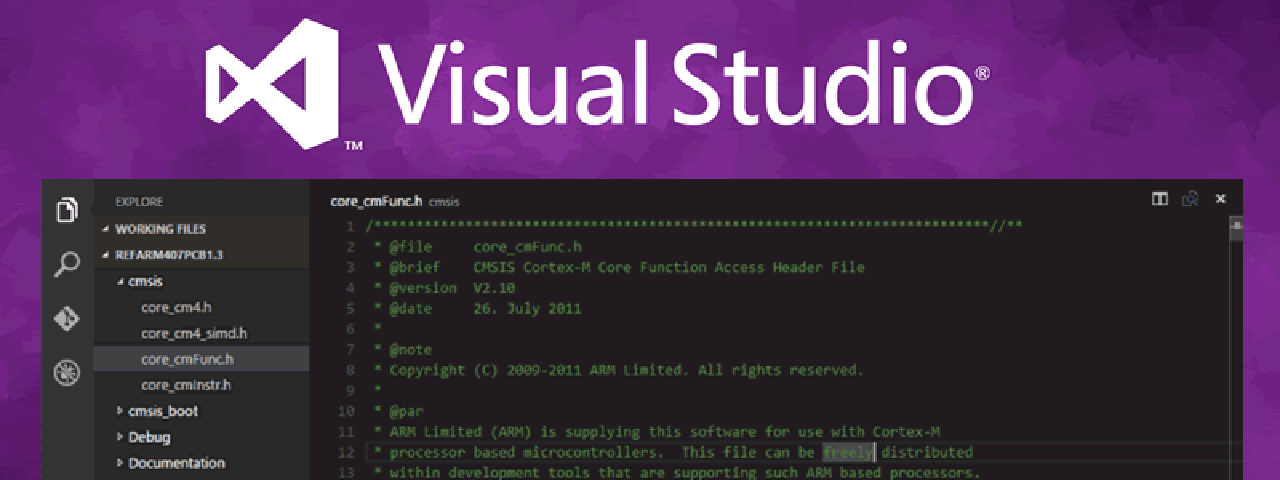
Visual Studio Code(vscode) is a lightwight and powerful editor, support Windows、Linux and Mac os. Features
- View the details of a commit, such as author name, email, date, committer name, email, date and comments.
- View a previous copy of the file or compare it against the local workspace version or a previous version.
- View the changes to the active line in the editor (Git Blame).
- Configure the information displayed in the list
- Use keyboard shortcuts to view history of a file or line
# plugin recommend
| Type | name | desc |
|---|---|---|
| edit | Vim | VSCodeVim is a Visual Studio Code extension that enables Vim |
| edit | Guides | A Visual Studio Code extension for more guide lines |
| edit | Project Manager | Manage your projects Easily access and switch between them. |
| edit | Output Colorizer | VSCode Log Output Colorizer |
| edit | Log File Highlighter | A Visual Studio Code extension for adding color highlighting to log files. |
| edit | VsCode Great Icon | A big pack of icons (100+) for your files. |
| edit | Bracket Pair Colorizer | This extension allows matching brackets to be identified with colours. |
| edit | Code Runner | Run code snippet or code file for multiple languages |
| Doc | Search Docsets | search any of the over 150 documentation sets |
| doc | vscode-todo | This extension adds functionality to list TODO:s in the project |
| theme | Railgun Theme | A passionate theme. |
| Python | Python | An extension with rich support for the Python language |
| Python | vscode-flake8 | EXPERIMENTAL flake8 extension |
| frontend | View In Browser | Extension for vscode to view a html file in a browser. |
| frontend | Auto Close Tag | This extension allows matching brackets to be identified with colours. |
| forntend | Auto Rename Tag | Automatically rename paired HTML/XML tag |
| frontend | HTML CSS Support | Missing CSS support for HTML documents. |
| frontend | HTML Snippets | This extension adds rich language support for the HTML Markup to VS Code |
| frontend | Vetur | Vue tooling for VSCode. |
# Shortcut
| kcommand | keybinding | desc |
|---|---|---|
| explorer | shirt+cmd+e | |
| extensions | shirt+cmd+x | |
| debug | shirt+cmd+d | |
| git | shirt+cmd+g | |
| show terminal | ctrl+` | |
| show problems | shirt+cmd+m | |
| show preview | shirt+cmd+k | |
| change edit view | cmd+[number] | |
| change view mode | cmd+alt+[number] | horizontal/vertical |
| formatter | shirt+cmd+f |
上次更新: 2024/08/11, 01:59:03